Winston AI is an AI content detector aimed mainly at educators, publishers and writers. Based on what it publicly describes, it combines AI text detection with sentence-level highlighting, a plagiarism checker, AI image detection, text extraction from scanned documents and handwriting, and shareable reports. Its results, like every detector's, are probabilities rather than proof, so it works best as one part of a careful review.
ZeroTell publishes this blog and makes a competing AI detector and plagiarism checker. We've described Winston AI using only information it publishes about its own product, without test scores of our own. Features and plans change, so check Winston AI's site for current details.
What Winston AI is
Winston AI positions itself as a tool for checking whether content was written by a person or generated by AI. It names three main audiences: education (academic integrity), publishers and SEO or editorial teams, and individual writers and content creators.
Compared with some detectors, it leans toward practical document handling, such as reading scanned pages and producing reports you can share, which fits teachers who receive work in many formats.
Main features
Based on Winston AI's public product descriptions, its main features include the following. Availability depends on the plan.
| Feature | What it does | Who it helps |
|---|---|---|
| AI text detection | Gives an overall AI likelihood score for a document | Everyone |
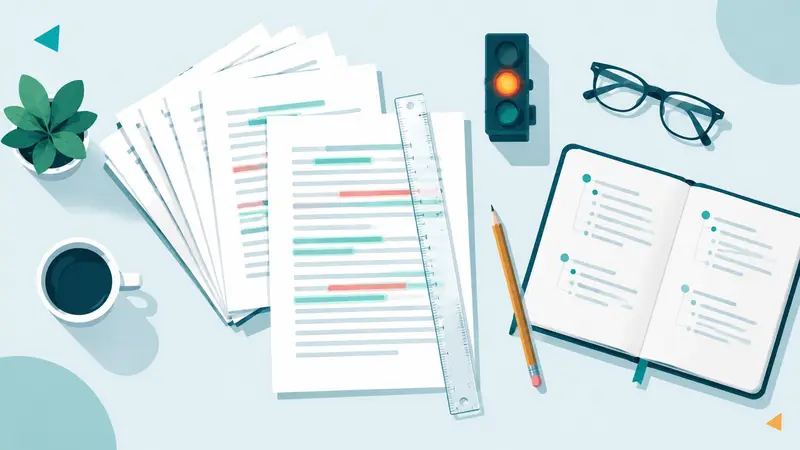
| Sentence-level prediction map | Highlights which sentences look most AI-like | Teachers and editors reviewing passages |
| Plagiarism checker | Looks for matches with existing content | Teachers, publishers, writers |
| AI image detection | Estimates whether an image was AI-generated | Publishers, newsrooms, educators |
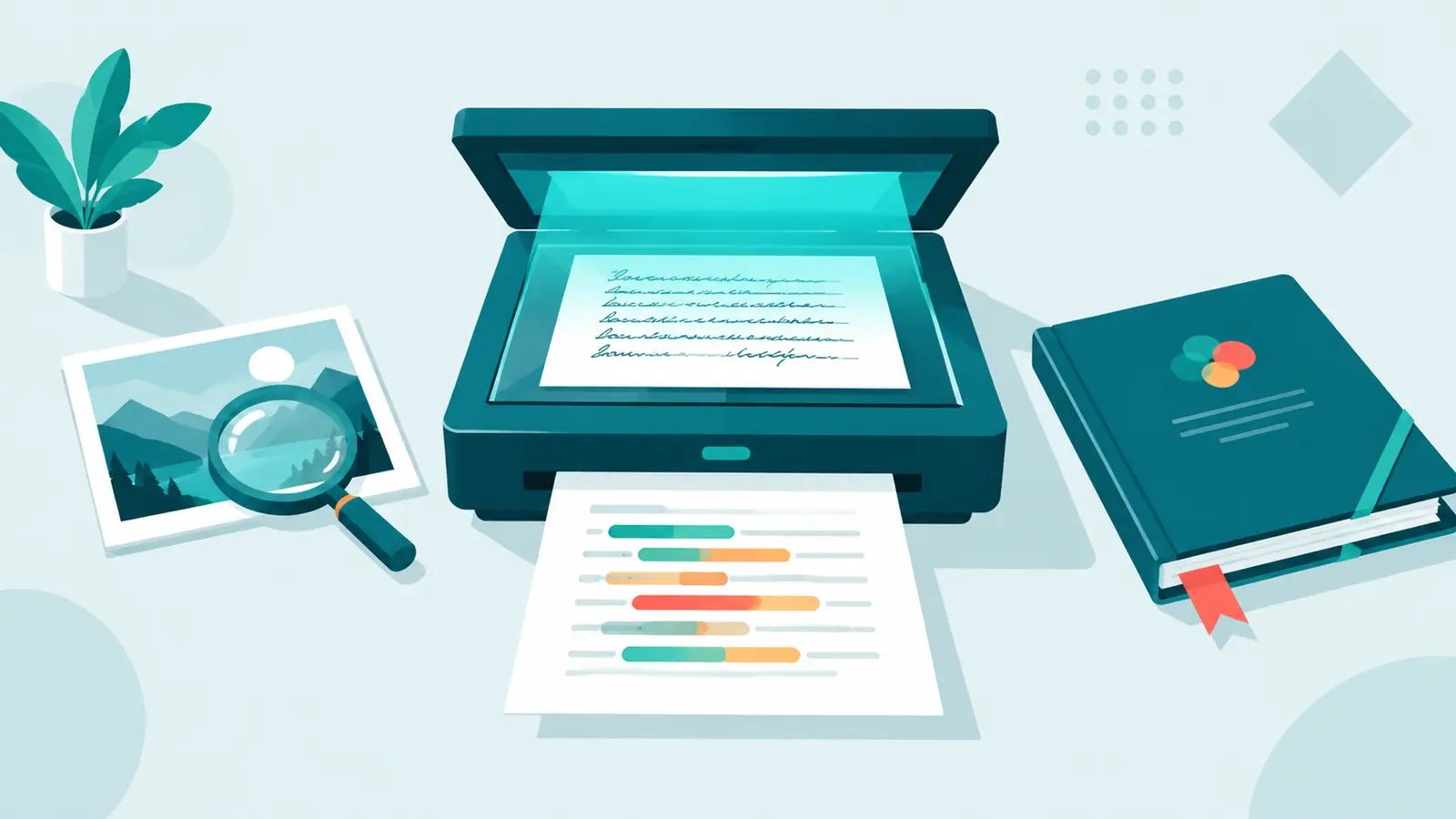
| Text extraction (OCR) | Reads text from scanned documents, images and handwriting | Teachers with paper or photographed work |
| Shareable reports | Downloadable reports of a scan | Teachers documenting concerns; editors sharing with clients |
| Integrations | Browser extension, Google Classroom, WordPress and an API | Schools, publishers, developers |
Winston AI also lists additional writing tools and a website certification program it calls HUMN-1. If those matter to you, read the details on its site.
How the workflow fits different users
For teachers
A typical flow is to upload or paste a student's work, run a scan, and read the report. The sentence map shows where to focus, which is more useful than an overall percentage alone.
The OCR feature is the distinctive part for classrooms. If students hand in handwritten work or photos of printed pages, the tool can extract the text first. Always check the extracted text before reading the score, because extraction errors can affect the result.
As with any detector, the report should prompt a conversation, not replace one.
For publishers and editors
Editorial teams can use Winston AI to screen freelance submissions, and the WordPress integration and API fit publishing workflows. Image detection adds a check for visual content, which most text detectors don't cover.
For writers
Writers can check their own drafts before submitting to a client or publication. A flagged passage is often a generic one that would benefit from more specific detail. Keep in mind that your client or editor may use a different detector, and tools often disagree.
What Winston AI does well
- Document handling. OCR for scanned and handwritten work is genuinely useful for teachers.
- Sentence-level view. The prediction map points reviewers to specific passages.
- Text and images. Covering both is helpful for publishers.
- Shareable reports. Useful for documenting a concern or sharing results with a client.
- Clear audiences. Education and publishing workflows are both supported with integrations.
Limits to keep in mind
These apply to AI detection in general, Winston AI included:
- False positives happen. Human writing can be flagged, particularly short, formulaic or second-language text. See why writing gets detected as AI.
- Edited and mixed text is harder. Drafts that combine human writing with AI help often produce uncertain results.
- Vendor accuracy claims are the vendor's. Winston AI, like most detector companies, publishes accuracy figures from its own testing. Your results may differ, depending on length, genre and editing.
- Detectors disagree. A Winston AI result may not match Turnitin, GPTZero or other tools.
- OCR adds a step that can go wrong. Poor scans or unclear handwriting can produce text errors.
- It can't know the policy. Whether AI use was allowed is a human question.
Our guide on how AI detectors work explains why these limits exist.
Warning
Privacy questions to ask
Before scanning student work or client documents, read Winston AI's privacy policy and data terms. Winston AI publicly states that it is GDPR compliant and that it doesn't use submitted content to improve its models. Schools should still confirm with their own IT or integrity office whether sending student work to an outside service is allowed, and for how long documents are kept.
How it compares with alternatives
All descriptions are based on public information.
- Turnitin: an institutional plagiarism platform with an AI writing indicator. Students usually can't access it directly.
- GPTZero: an AI detector focused on educators, with writing-process features and classroom integrations.
- Originality.ai: aimed at publishers and content agencies. See our Originality.ai review.
- Copyleaks: AI and plagiarism detection with broad language support, LMS integrations and enterprise features. See our Copyleaks review.
- ZeroTell (ours): a sentence-level AI detector, a public-web plagiarism checker that links every matching source, and an AI humanizer and writing tools for individual writers revising their own drafts. ZeroTell doesn't read handwriting or scanned images; you paste text or upload a PDF, Word, TXT or Markdown file with a text layer.
Who Winston AI suits best
A good fit if you:
- teach and receive handwritten or scanned work,
- want sentence-level reports you can download and share,
- publish content and want both text and image checks,
- use Google Classroom or WordPress and want an integration.
Maybe not the best fit if you:
- need the same tool your university uses, which may be Turnitin,
- mainly need a plagiarism checker with institutional databases,
- want to revise your own draft with rewriting and grammar tools in the same place.
Using Winston AI responsibly
- Share your AI policy first, so students and writers know the rules.
- Check the extracted text before reading a score on scanned work.
- Read the highlighted sentences, not just the percentage.
- Ask for drafts and process evidence when a result raises questions.
- Talk with the writer before any formal step.
Key takeaways
- Winston AI is an AI detector for education, publishing and writers, with plagiarism checking and image detection.
- Its distinctive features are OCR for scanned and handwritten work, sentence-level maps and shareable reports.
- Like every detector, it estimates probability; false positives and tool disagreements happen.
- Treat vendor accuracy figures as vendor claims and test on your own samples.
- ZeroTell publishes this review and makes competing tools; check Winston AI's site for current features and pricing.