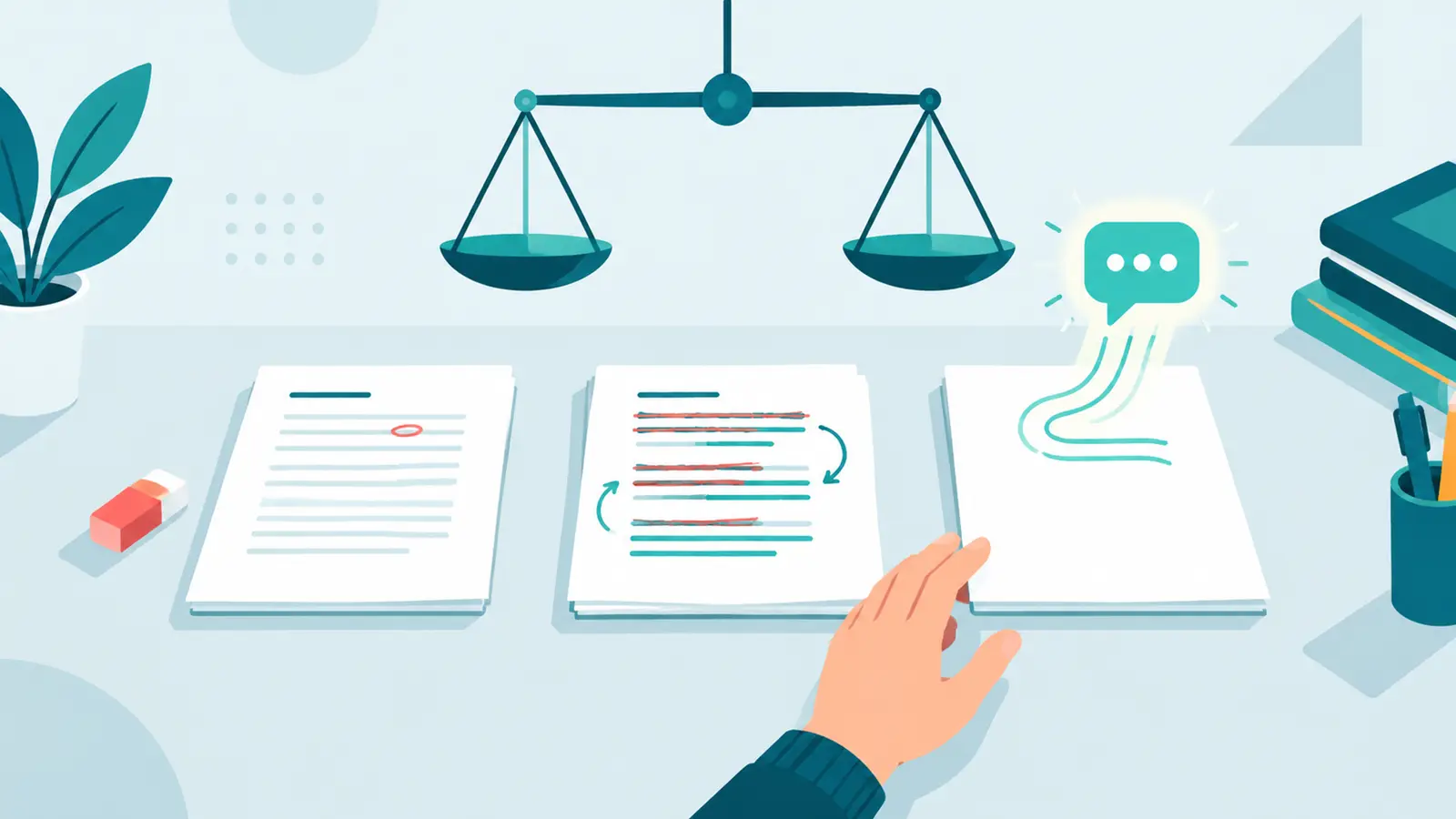
Whether Grammarly "counts as AI" depends on which features you use and what your course policy says. Basic spelling and grammar correction is usually treated like spell check and allowed. Features that rewrite sentences, change tone, or generate new text from a prompt are generative AI, and many course policies treat them like any other AI writing tool. When the policy is unclear, ask your instructor, and disclose rewriting or generation when your course requires it.
This article applies to Grammarly and to similar writing assistants, including grammar tools that have added AI rewriting. ZeroTell publishes this blog and makes writing tools, including a grammar checker. We describe Grammarly only in general terms based on its public product descriptions.
Three kinds of help, not one
The word "AI" hides a big range. It helps to split writing assistance into three levels.
| Type of help | What it does | How policies often treat it |
|---|---|---|
| Correction | Fixes spelling, punctuation, agreement, and clear grammar errors; your sentences stay yours | Usually allowed, like spell check |
| Rewriting | Rephrases sentences, shortens or expands them, changes tone or formality | Often counts as AI assistance; may need disclosure or be banned |
| Generation | Writes new text from a prompt: paragraphs, outlines, replies, summaries | Treated as generative AI; follows the course's AI rules |
Grammarly started as a correction tool and, according to its own product descriptions, now includes generative AI features that can rewrite and draft text. So the same app can sit in all three rows depending on what you click.
Correction
You wrote "their" instead of "there," missed a comma, or mixed up a verb tense. The tool flags it and you accept the fix. Your ideas, structure, and wording are unchanged. Most instructors see this the same way they see spell check.
Rewriting
You highlight a paragraph and ask for it to be clearer, more formal, or shorter. The tool produces a new version with different wording. Even if the ideas are yours, the sentences now come partly from a model. Many policies count this as AI assistance, because the expression of the ideas, which is often what's being graded, has changed.
Generation
You ask the tool to write an introduction, draft a reply, or continue your text. That's generative AI in the plainest sense, no different in principle from using a chatbot.
What your course policy probably says
Policies vary, but most fall into a few patterns:
- "No AI tools." Some instructors explicitly allow basic grammar checking even here. Others ban any tool with AI features. Read the wording carefully, and ask if it's unclear.
- "AI for limited purposes." Grammar and clarity feedback is often listed as allowed, while rewriting submitted text is not.
- "AI with disclosure." Any use is permitted if you describe it. Rewriting and generation should be disclosed; grammar fixes may or may not need a mention.
- No policy at all. Check your institution's academic integrity guidance, then ask your instructor.
If your instructor writes "Grammarly is fine," confirm whether that includes the rewriting and generation features. Many people still think of Grammarly only as a grammar checker.
Tip
How AI detectors may react
AI detectors don't know which app you used. They only see the final text and estimate how closely it matches patterns common in AI writing, such as very predictable word choices and an even, uniform rhythm. Our guide on how AI detectors work explains this in more detail.
That leads to a few general observations:
- Light corrections usually don't change much. Fixing a typo or a comma doesn't change your sentence patterns in a meaningful way.
- Heavy rewriting can. When a tool rephrases whole paragraphs, the result often has the smooth, polished, generic feel that detectors associate with AI output. That's not surprising, because the rewrite came from a language model.
- Accepting every suggestion can flatten your voice. Even correction-style suggestions, applied wholesale, can push writing toward a safer, more uniform style.
None of this means you should avoid grammar tools. It means rewriting features change your text in ways that may matter for both your policy and a detector. If your own writing is flagged, see why your writing might be detected as AI.
Process records and authorship tools
Some writing assistants, including Grammarly according to its public announcements, now offer features that record how a document was written, such as which text was typed, pasted, or produced with AI. Some instructors may ask students to use such tools or share their reports.
Whatever tool you use, a record of your process helps you. Keep version history on, save drafts, and keep notes. If questions come up, evidence of how you built the work is far stronger than any detector score.
A simple decision guide
Ask yourself these questions before you submit:
- Did the tool only fix errors in sentences I wrote? Usually fine. Check your policy if it bans all AI-powered tools.
- Did it rewrite or rephrase my sentences? Check whether your policy allows AI rewriting. If it does, disclose it when required.
- Did it write new text that I kept? Treat this exactly as you'd treat chatbot output under your policy.
- Am I unsure which of these happened? Assume the more cautious answer and disclose or ask.
For wording, our guide on how to disclose AI use in an assignment includes a sample statement for grammar and clarity help.
Choosing a grammar tool that stays in its lane
If your course allows correction but not rewriting, it helps to use a tool that makes the distinction clear. Some things to look for:
- Shows each change separately, so you accept or reject edits one by one.
- Explains why something is wrong, which helps you learn instead of just accepting.
- Keeps your wording except where it's actually incorrect or unclear.
- Doesn't quietly rewrite whole sentences when you only asked for a grammar check.
ZeroTell's grammar checker is designed for correction: it fixes grammar, spelling, and punctuation and can add a short reason for each change, without rewriting your text. It's still an AI-powered tool, so if your course bans all AI tools, follow that rule.
Grammar CheckerFix grammar and phrasingKey takeaways
- "Grammarly" can mean correction, rewriting, or generation, depending on the feature.
- Correction is usually treated like spell check; rewriting and generation usually count as AI assistance.
- Detectors can't see which tool you used, but heavy AI rewriting can make text read more like AI output.
- Your course policy decides what's allowed. When it's unclear, ask, and disclose when required.
- Keep drafts and version history so you can show your process. For more on the two tools students most often confuse, see Turnitin vs Grammarly.